
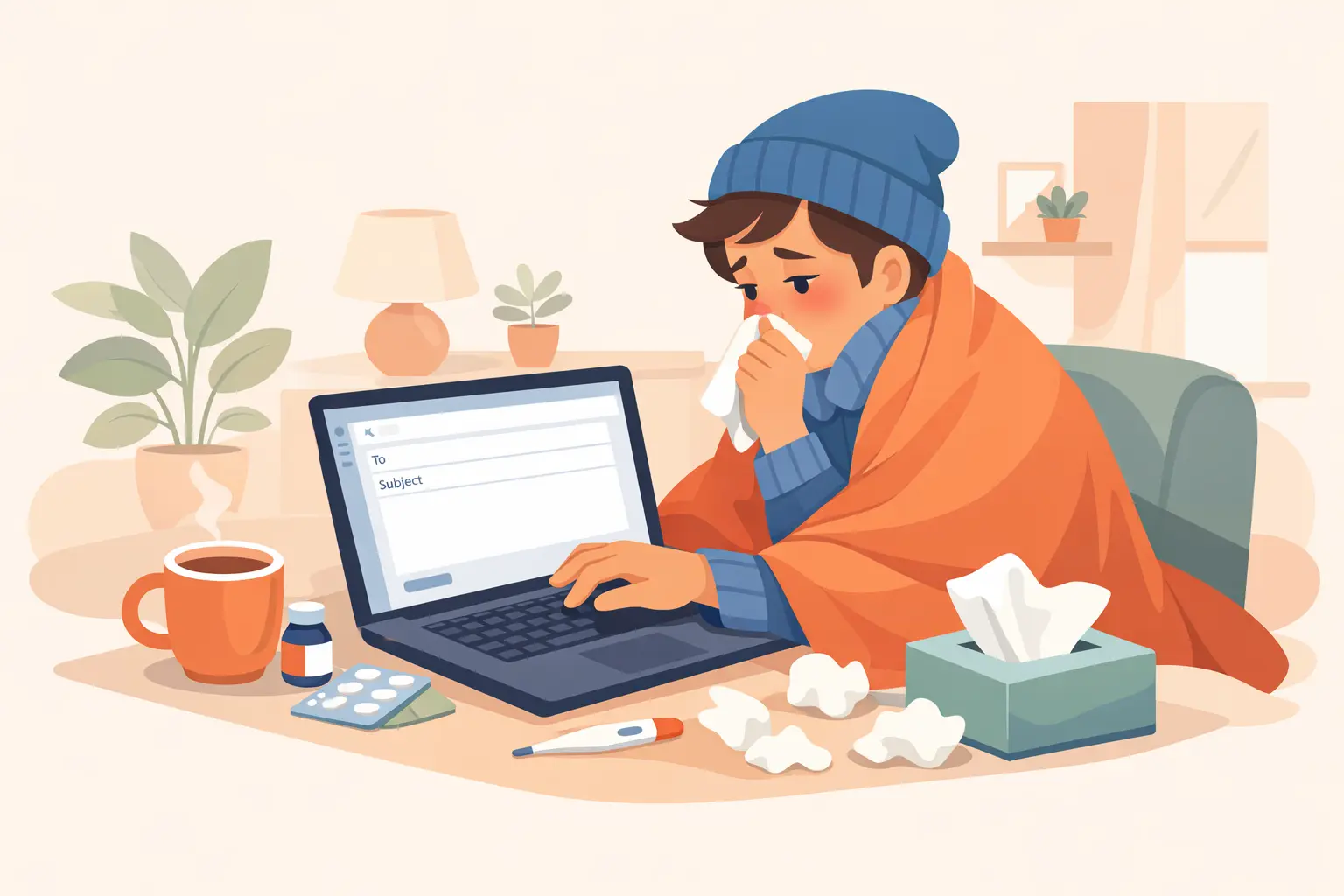
Need a professional sick leave email template? Here are 10 copy-paste examples for every situation — fever, migraine, a doctor's appointment, multi-day leave — plus tips on what to include.
Ever wake up feeling awful and realize you still need to message your manager? The hard part is usually not being sick. It is figuring out what to say without oversharing or sounding vague. This guide stays focused on email-ready wording you can send quickly and professionally.
What to include in a sick leave email
- State the issue briefly: You are unwell and unable to work today. Avoid over-sharing medical details.
- Set expectations: Share when you will next update your manager (e.g., by 5 PM today or tomorrow morning).
- Mention urgent coverage: If applicable, note if you can check priority messages or if you are completely offline.
Quick sick leave email template (2-4 sentences)
Subject: Sick Leave Today - [Your Name]
Hi [Manager Name],
I am not feeling well this morning and need to take a sick day today. I will rest and keep you updated on whether I can return tomorrow. I will check urgent messages if needed.
Thanks,
[Your Name]
What to include in your sick leave email
- Send it early: inform your manager as soon as you know you cannot work.
- Keep it short: two to four sentences is enough in most situations.
- State availability: mention if you can check urgent messages or are fully offline.
- Give an update window: say when you will confirm your return plan.
How to use these sick leave email templates
A strong call out sick email should include your status, immediate availability, and a clear update timeline. Keep it factual, concise, and written for quick manager review.
10 copy-paste sick leave email templates
1) Feeling unwell
"Hi [Manager Name], I am not feeling well today and need to take sick leave to recover. I will keep you updated if I need additional time. Best, [Your Name]"
2) Fever and flu symptoms
"I woke up with fever and flu symptoms today, so I will not be able to work effectively. I am taking a sick day and will update you tomorrow."
3) Food poisoning
"Hi [Manager Name], I am experiencing food poisoning symptoms this morning and will not be able to work today. I will rest and keep you updated on recovery."
4) Migraine
"Hi [Manager Name], I am experiencing a migraine today and will not be able to work effectively. I will take the day to recover and plan to return tomorrow."
5) Doctor appointment
"Hi [Manager Name], I have an urgent doctor appointment today and will need to take sick leave for the day. I will respond to urgent messages if possible."
6) Mental health day
"Hi [Manager Name], I am not well today and need to take a mental health day to recover. I will be back tomorrow and will update you if anything changes."
7) Child/dependent care day
"Hi [Manager Name], my child is unwell today and I need to stay home for care, so I cannot work as usual. I will monitor urgent items and send an update later today."
8) Two-day sick leave
"Hi [Manager Name], I am currently unwell and need to take sick leave today and tomorrow to recover fully. I have shared status notes for active tasks and will send another update before end of day tomorrow."
9) Remote-work alternative
"Hi [Manager Name], I am not feeling well enough to come into the office today, but I can work remotely on lighter tasks. If symptoms worsen, I may convert this to a sick day and will update you quickly."
10) Return-to-work follow-up
"Hi [Manager Name], quick update: I am feeling better and back online today. I will start with [priority task] and share a progress update by [time]."
Common mistakes to avoid
Oversharing
Detailed medical stories usually hurt clarity and professionalism.
Being unclear
"Maybe I can work" creates confusion for team planning.
No next step
Always include update timing so your manager knows what to expect.
Repeating patterns
Frequent Monday/Friday absences can reduce credibility over time.
Need personalized, professional wording?
Don't want to adapt a template yourself? The sick leave email generator writes one for your exact situation in seconds.
For short texts, SMS, or chat apps, use our Sick Leave Message examples next.
Frequently asked questions
What is the best sick leave email template?
A short professional message saying you are unwell, unavailable today, and when you will update your manager.
Should I explain my illness in detail?
Usually no. Keep details minimal unless your company specifically requests documentation.
Is a mental health day acceptable?
In many workplaces, yes. Keep wording concise and aligned with your team culture.
How long should a sick leave email be?
2-4 sentences is usually ideal.
Can I send a short sick leave message instead of a long email?
Yes. A short sick leave message is usually preferred if it includes your status and next update time. Most managers value clarity over long explanations.